

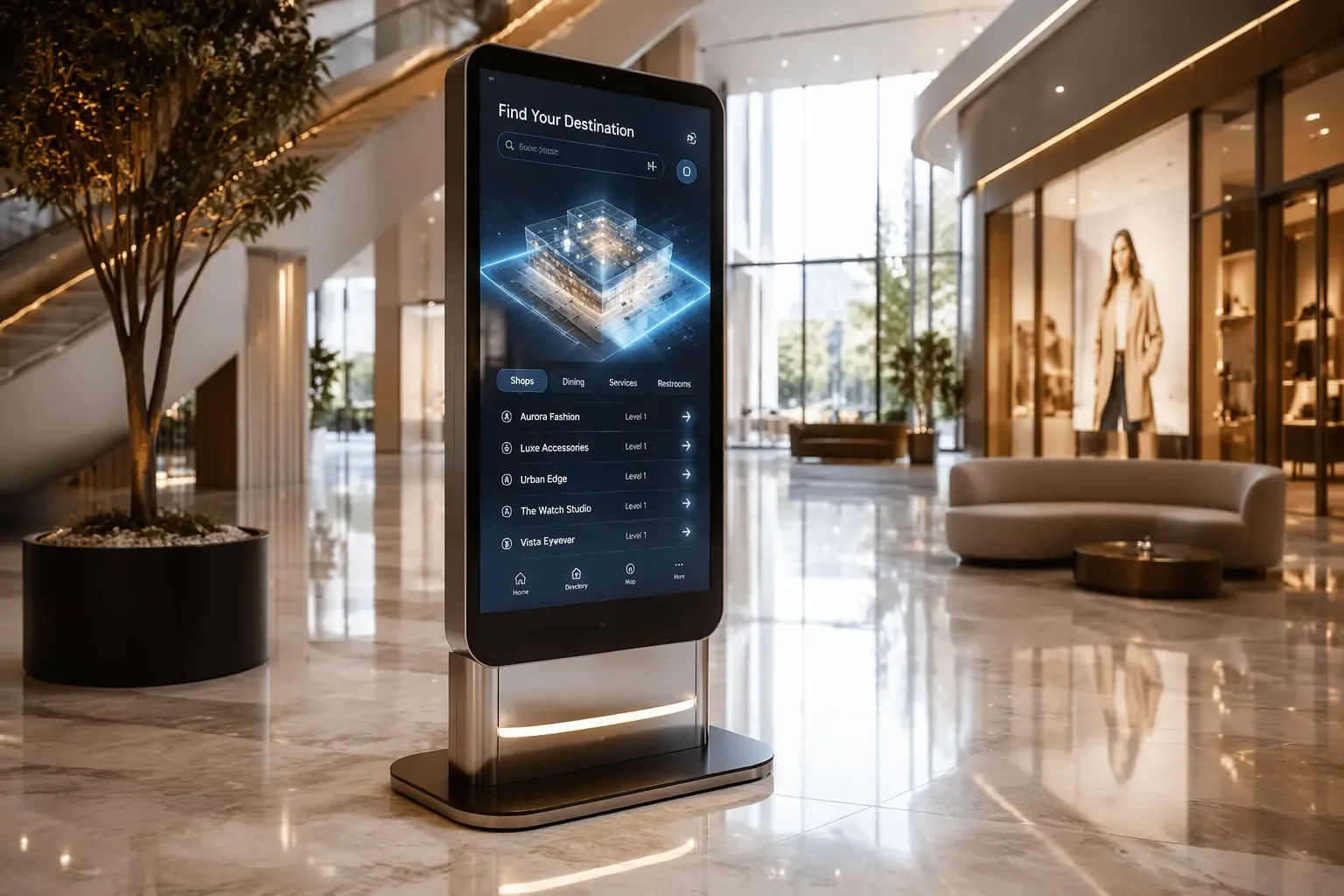
Interactive touchscreen kiosk: your visitors serve themselves.
Product catalogues, directions, information, appointment booking: the touchscreen kiosk makes your visitors independent, cuts queues at reception and frees your teams for high-value requests.
What is an interactive touchscreen kiosk ?
An interactive touchscreen kiosk is professional self-service equipment combining a high-precision multi-touch panel, embedded computer (Android or Windows) and an interface designed for your visitors: catalogue browsing, information search, directions, forms.
Unlike a consumer tablet, it is built for intensive public use: secure chassis, reinforced glass, 24/7-certified components and pedestal, wall or recessed mounting.
Its content and flows update remotely via our cloud platform, and every interaction can be measured to understand what your visitors are looking for.
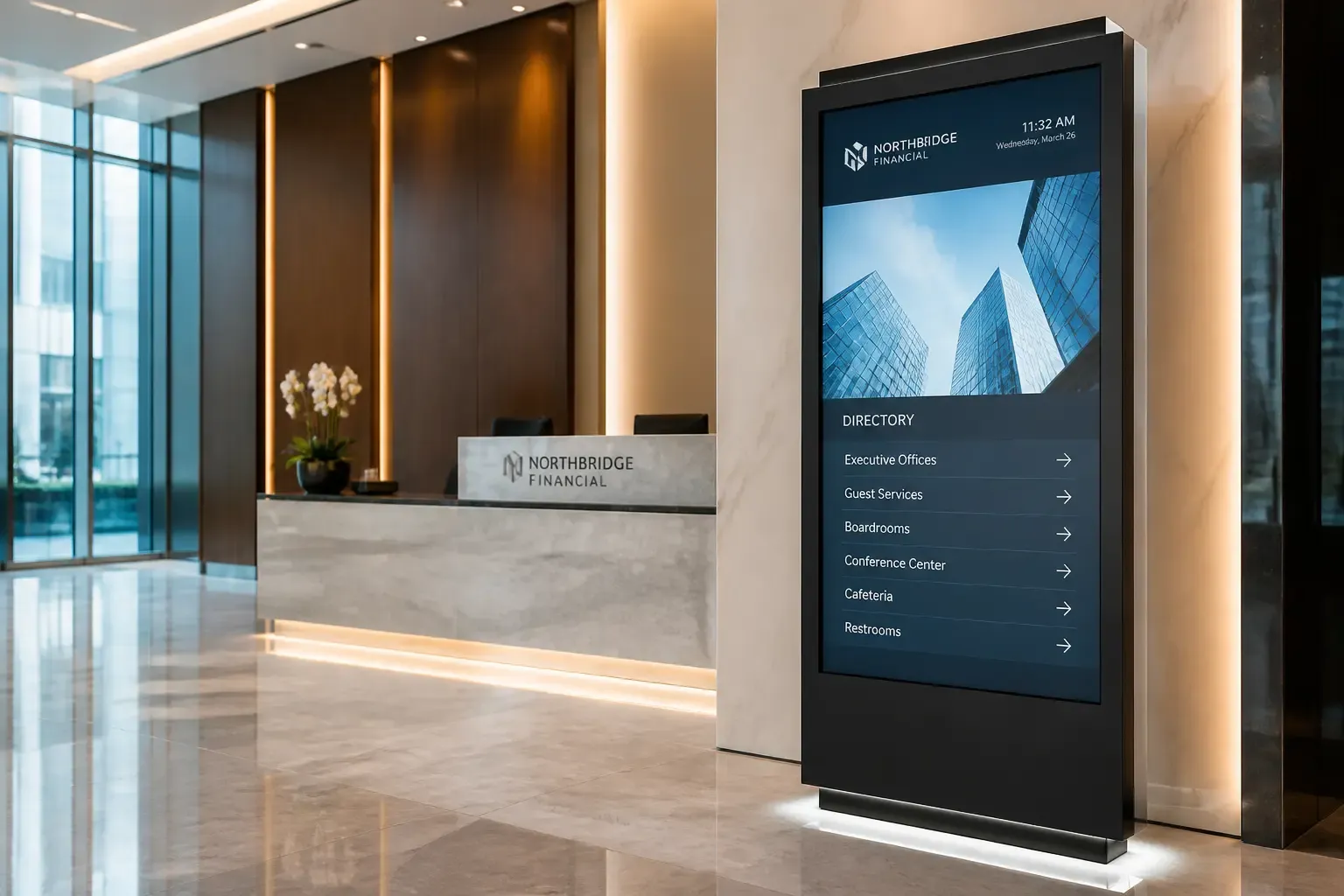
Experience becomes self-service.
Visitors are independent
Opening hours, availability, maps, catalogues: your customers find the information themselves, without queuing at the desk.
Reduced waiting time
Every simple request handled by the kiosk frees your teams for advice and high-value selling.
Extended catalogue
Present your entire offer in store, including items not on the shelf — with ordering or booking options.
Usage data
Searches, journeys, forms: the kiosk measures what your visitors want and informs your merchandising decisions.
How does a professional interactive kiosk work ?
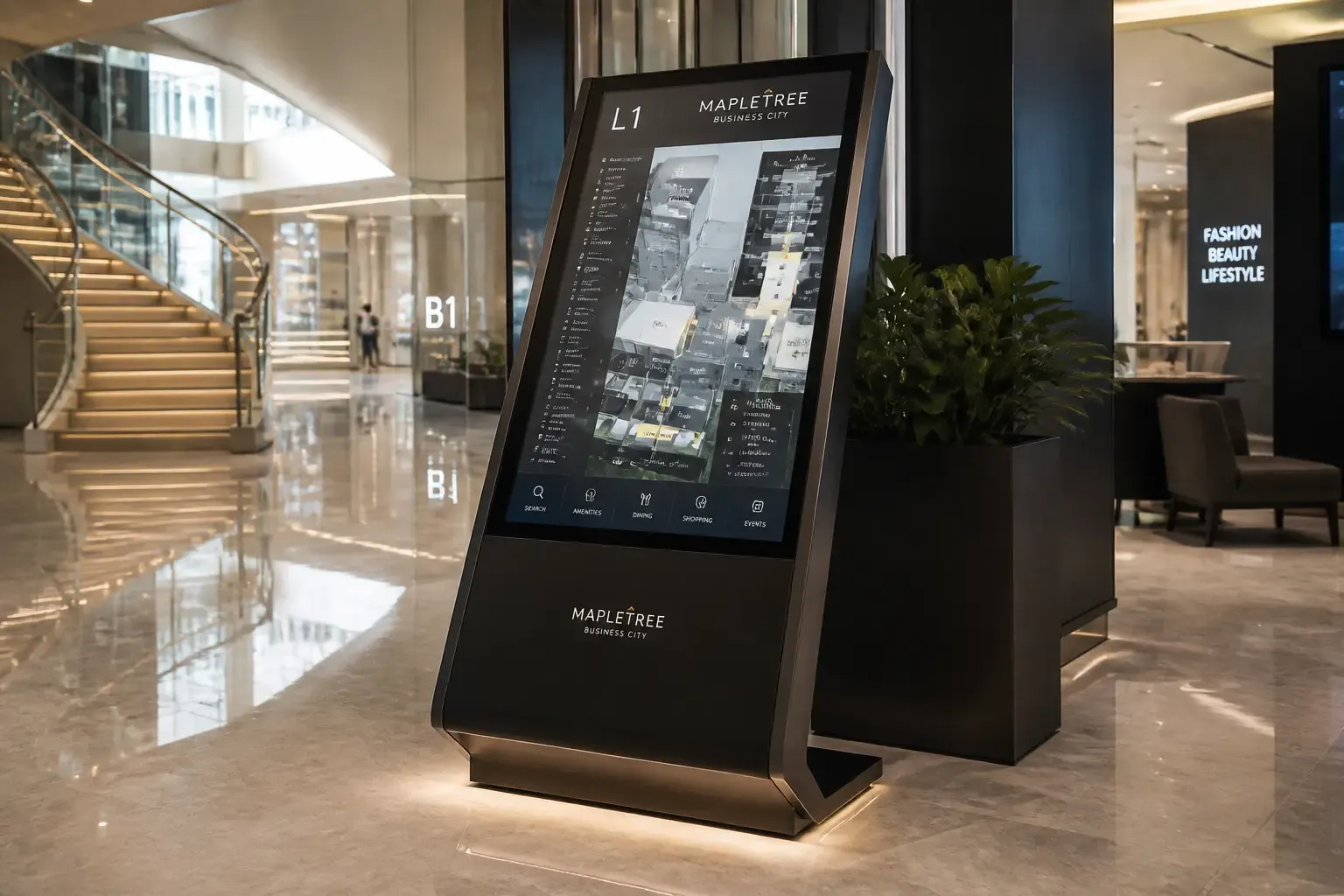 Reception kiosk · in service
A high-precision multi-touch panel
Full HD or 4K, scratch-resistant reinforced glass and multipoint detection: the responsiveness of a tablet, the durability of public equipment.
Android or Windows embedded
The kiosk runs your business applications, your website or our ready-to-use interfaces: catalogue, wayfinding, forms, appointment booking.
Custom user journeys
We design the screens and flows together with you: what visitors see, what they can do, and what happens next (printing, email, notification to your team).
Cloud control and monitoring
Content, application updates and kiosk status are managed remotely; usage statistics are collected automatically.
A kiosk for every reception.
Extended catalogue, product availability and click & collect in store.
Shopping centres→Interactive map, shop directory and multilingual wayfinding.
Express check-in, digital concierge and activity suggestions.
Digital queue, pre-registration and self-service advice.
Ticket issuing, paperless forms and visitor guidance.
On-site registration, interactive programmes and lead capture.
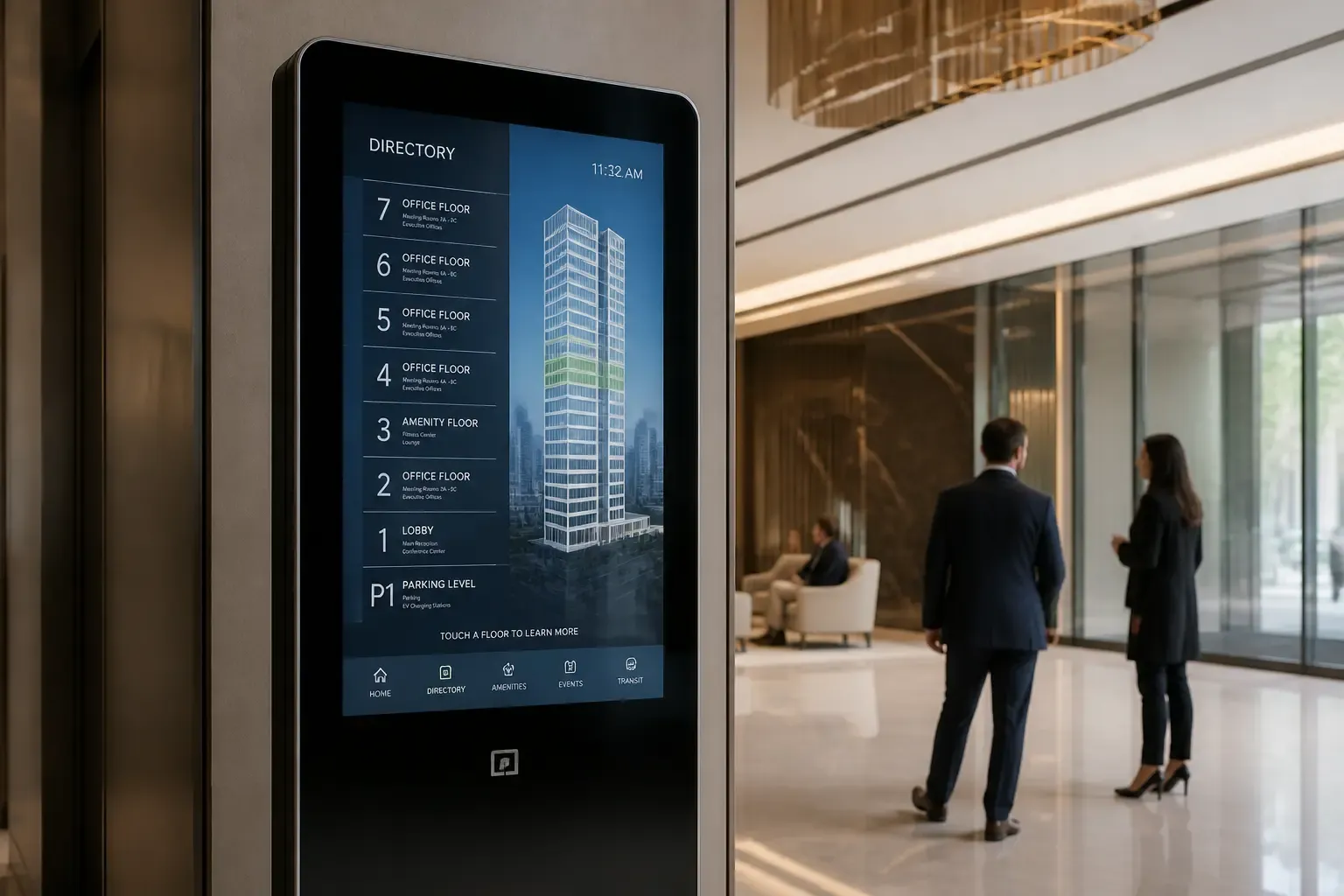
The kiosk, the hub of your phygital experience.
Between the screen that broadcasts and the sales person who advises, the kiosk bridges the gap: it extends your website into the shop, captures requests and enriches the customer journey — a key link in your digital signage solution.
Design my interactive journeyFAQ — interactive touchscreen kiosks
Interactive product catalogue, information search, visitor directions (wayfinding), forms, appointment booking, click & collect, satisfaction surveys: journeys are built according to your needs.
Android is sufficient for content distribution and web interfaces; Windows is essential if the kiosk must run your existing business software. We advise based on your ecosystem.
Yes: reinforced glass, vandal-resistant chassis, 24/7-certified components and fixings suited to public establishments.
Yes: content, applications and monitoring of each kiosk are managed from the cloud platform, whether you have one kiosk or a fleet.
Pedestal totem (32 to 55 inches), wall-mounted kiosk, recessed model or lectern: the format is chosen based on location and target audience.
Yes: our teams design the journeys and screens to match your brand, integrate your data (catalogue, maps, schedules) and train your staff on administration.
Our other digital signage solutions
Give your visitors independence.
Assessment of your visitor journeys, format and feature recommendations, bespoke installation and interfaces. Tailored quote within 24 hours.
Reply within 24 hours · +33 1 83 62 71 94 · Installation across Europe & Canada